

Appearance

Merge tag previews
You are reading the Email Editor v3 docs
Email Editor v4 is the current version. See this page in the v4 docs, or how to upgrade to v4.
Merge Tag Previews replace merge tags with test values inside Preview mode, so a template can be checked with realistic content before it is sent.
To use this feature, enable it in the TOPOL_OPTIONS configuration:
ts
enableMergeTagPreview: true,INFO
This works independently of Smart Merge Tags. Only enableMergeTagPreview is required.
Once enabled:
- Navigate to Preview mode inside the editor.
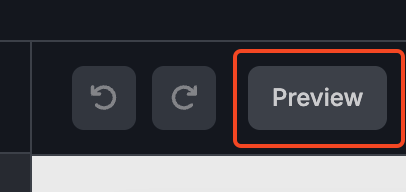
- Click the Merge Tags - Preview button to toggle the Merge Tag Preview panel.
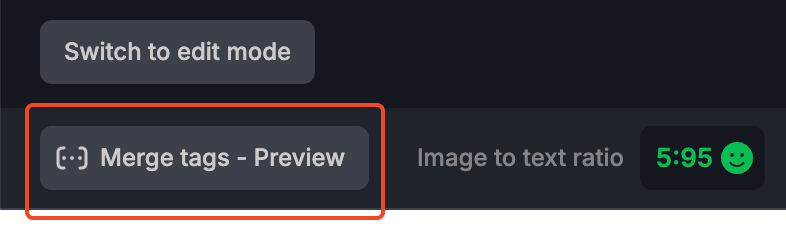
- Click it to view mock values for all Merge Tags present in your email.

The panel lists the tags used in the current template, along with any tag referenced by a Conditional Content variant condition. A Show unused toggle extends the list to every defined merge tag.
To pre-fill these test values, add the defaultValue property to a Merge Tag's configuration and the Preview populates the input automatically. For details and an example, see Default Merge Tag Values.