

Appearance

How to get a Secret Key
You are reading the Email Editor v3 docs
Email Editor v4 is the current version. See this page in the v4 docs, or how to upgrade to v4.
The Secret key authorizes direct calls to the Topol API: pass it as the X-Secret-Key request header.
To get your Secret key:
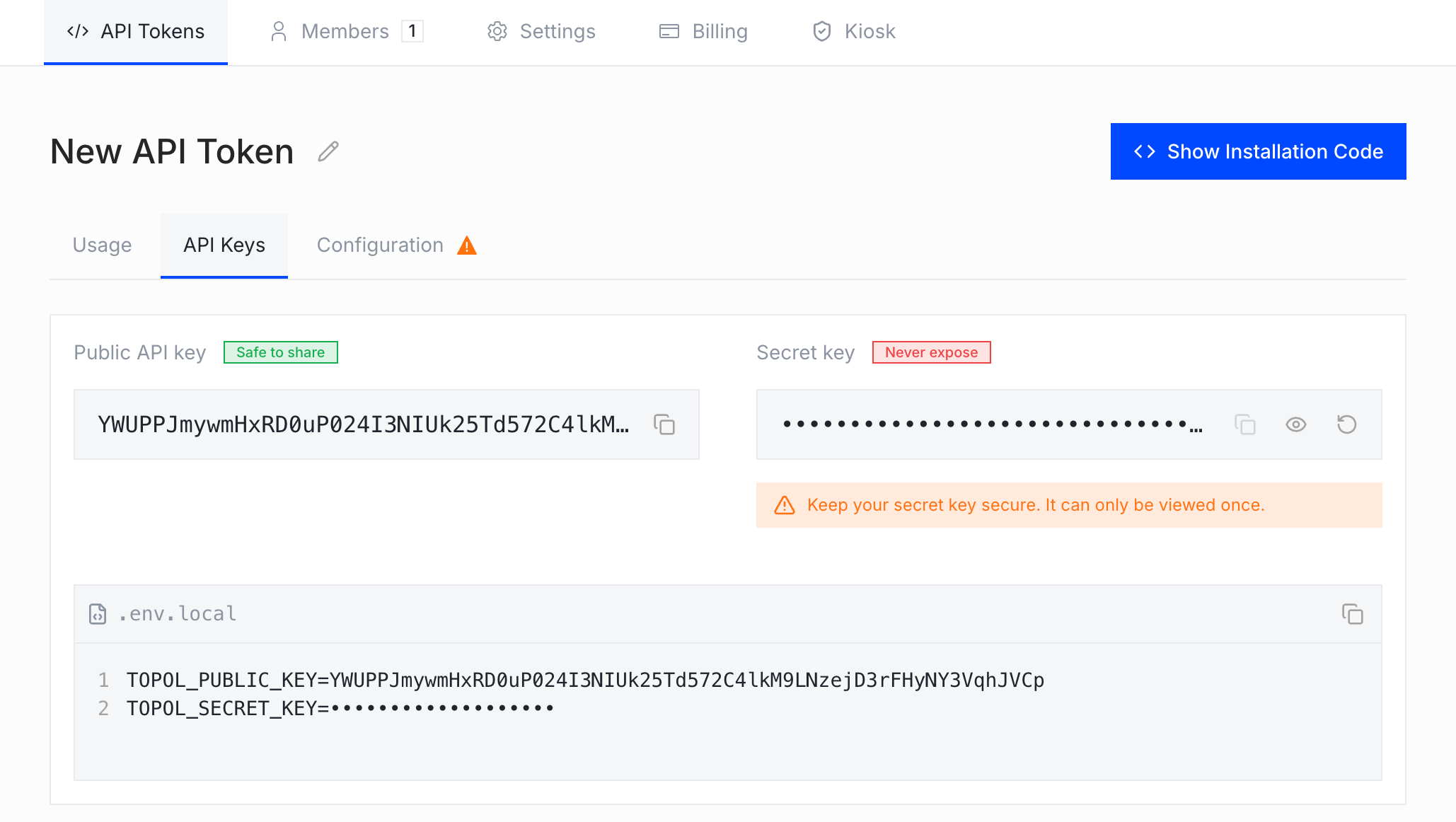
- Log into your Topol Account and open the API Tokens tab.
- Select your API token and open its API Keys tab.
- Copy the Secret key.
WARNING
Keep the Secret key secure. It can only be viewed once, and it must never appear in client-side code.
One use for the Secret key is a POST request to the Convert JSON Template to HTML API, which returns the HTML for a template with specific settings such as a chosen language mutation.